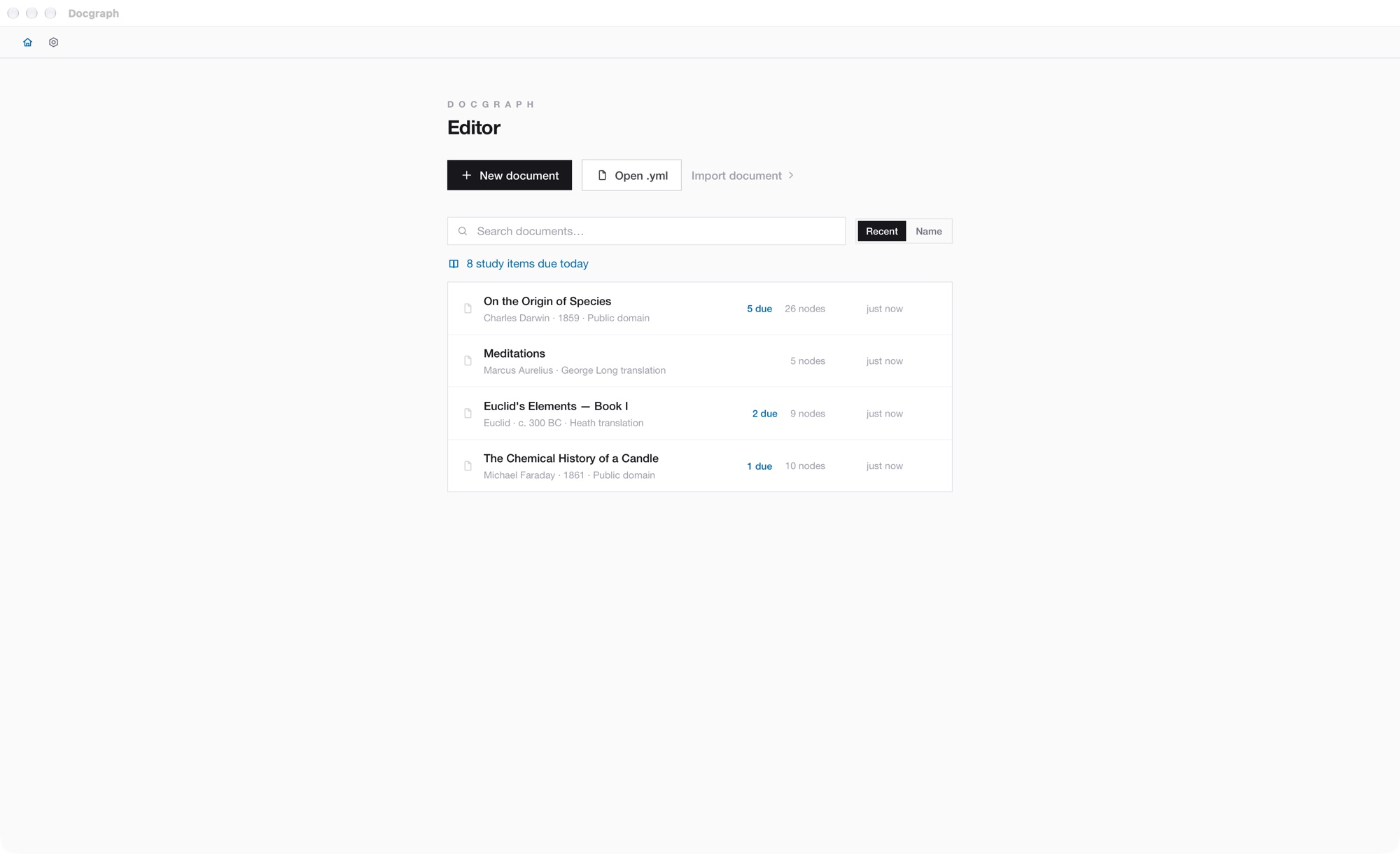
Due today, at a glance
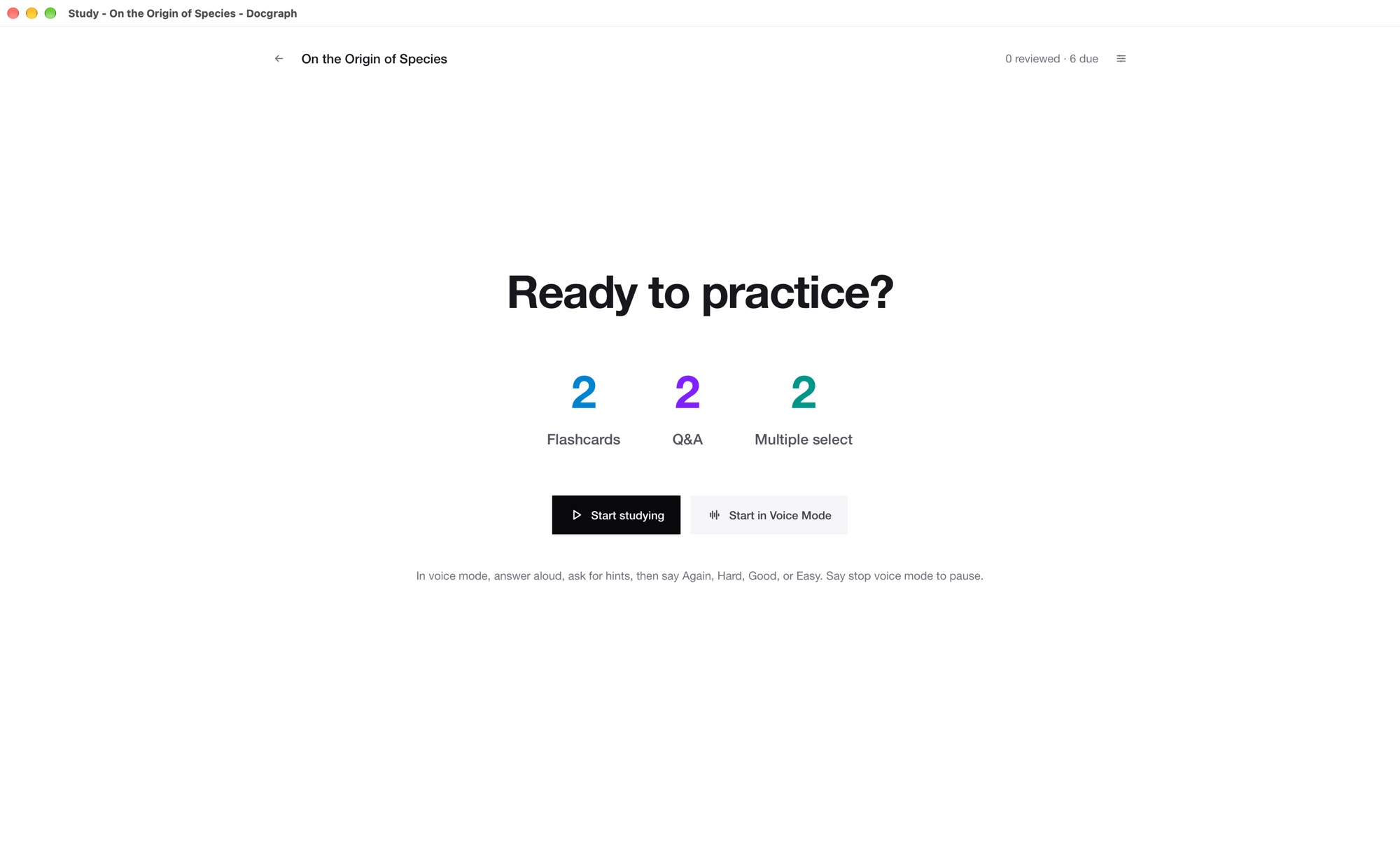
Home shows how many items are due across all your books, and how many in each one.
A study app for readers
Docgraph turns the books you study into structured notes and study items. It then uses FSRS spaced repetition to bring each item back just before you would forget it.
How it works
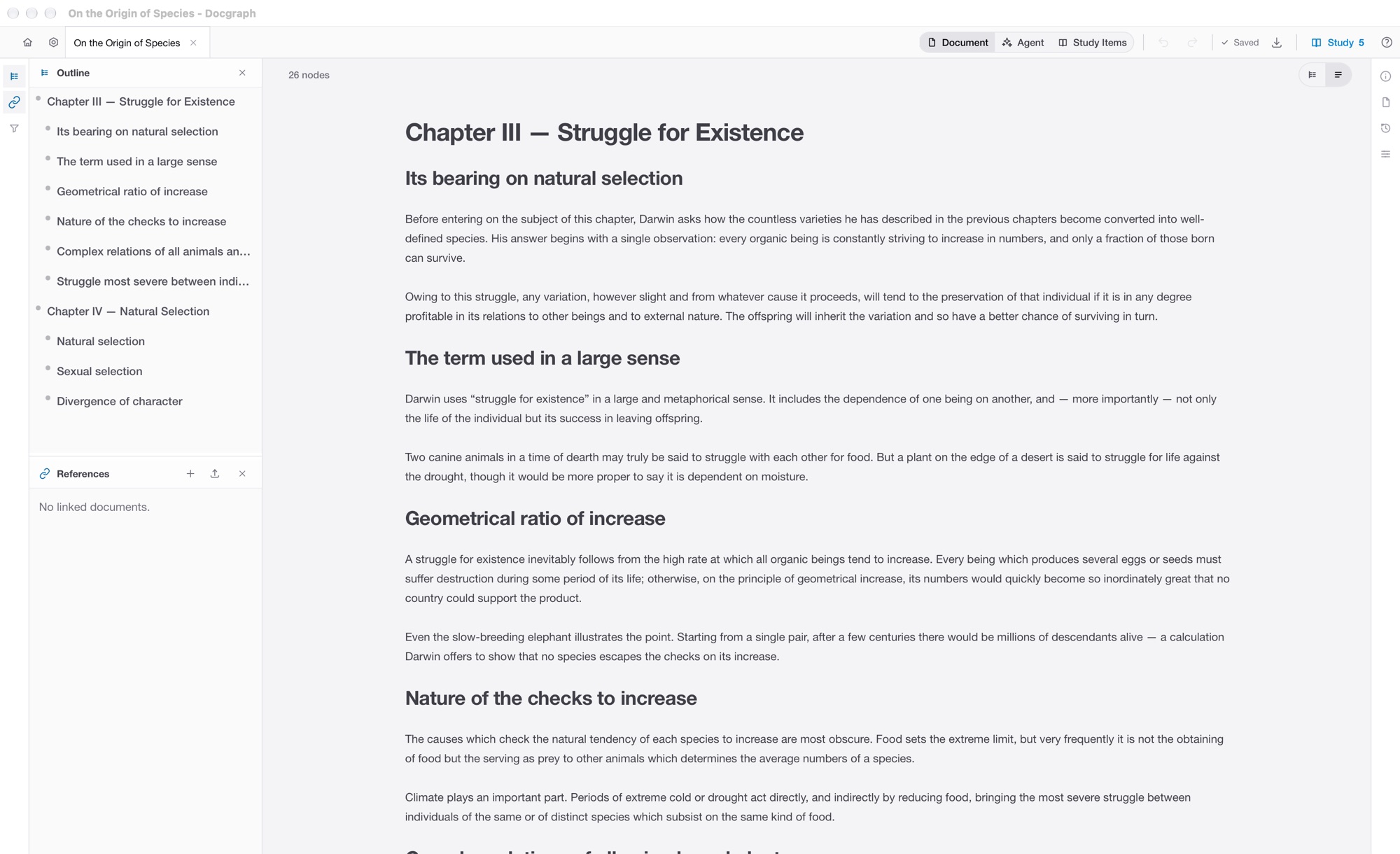
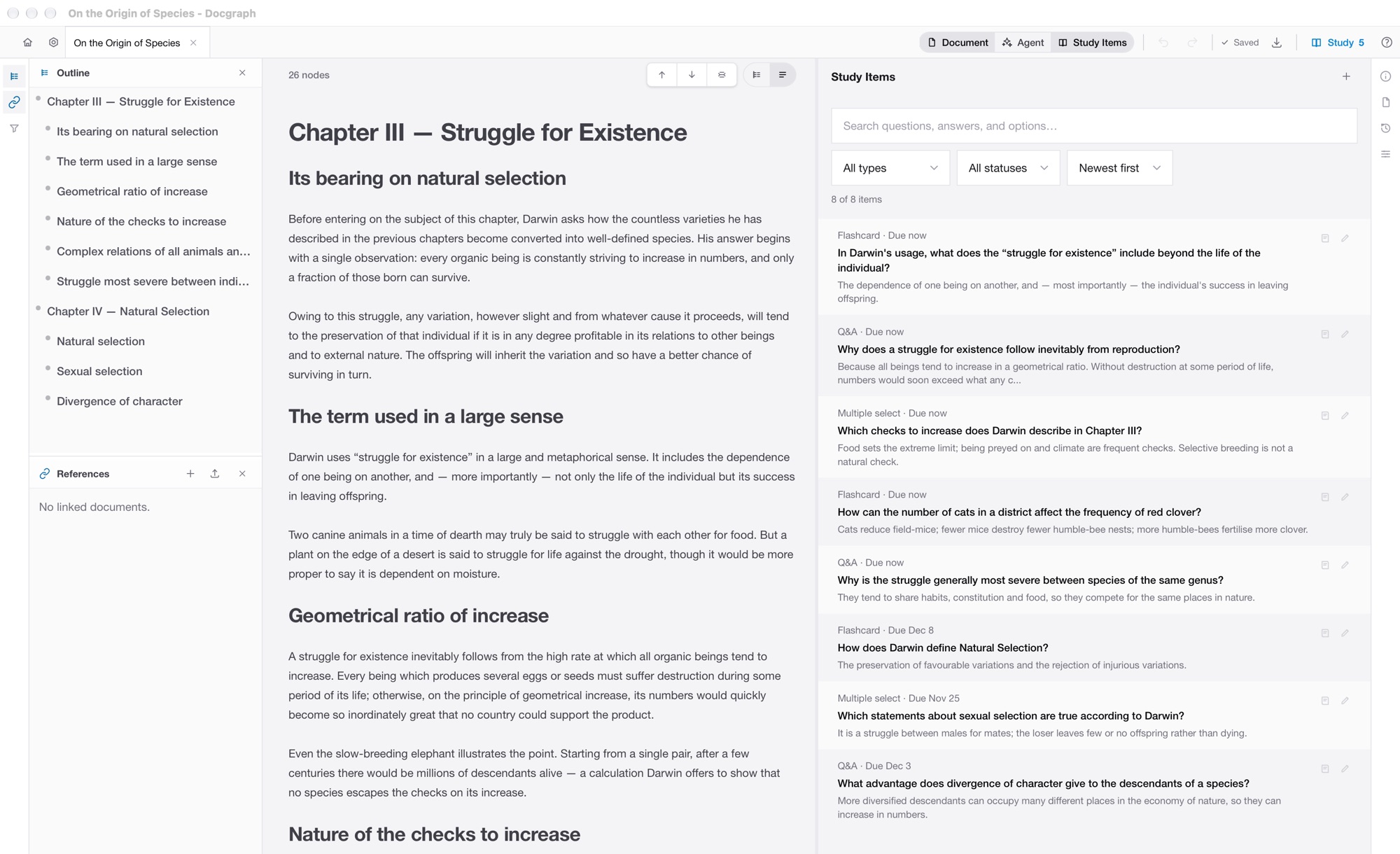
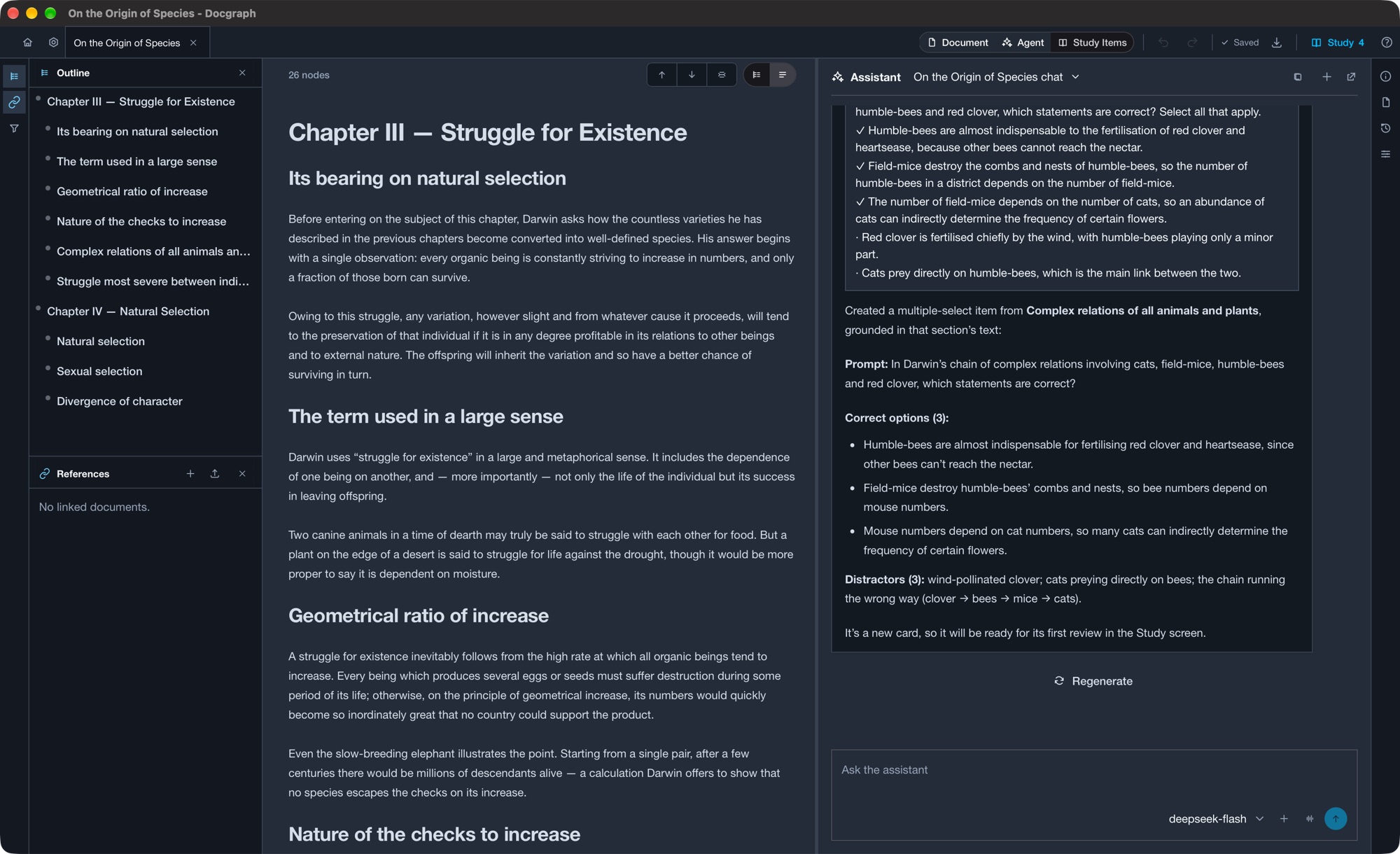
Import a book or open your notes. Docgraph splits them into chapters and sections that you can read, reorganise and annotate.
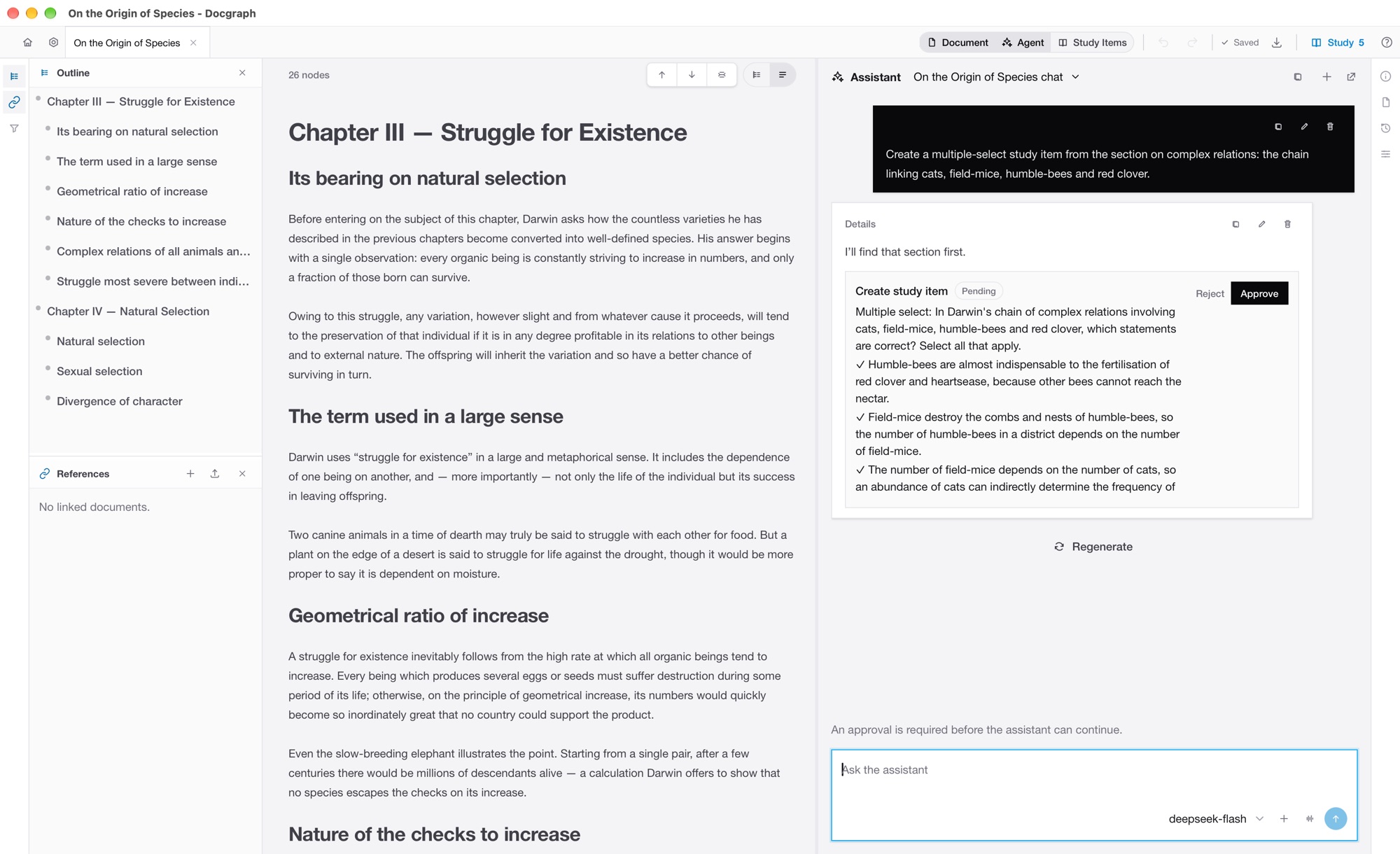
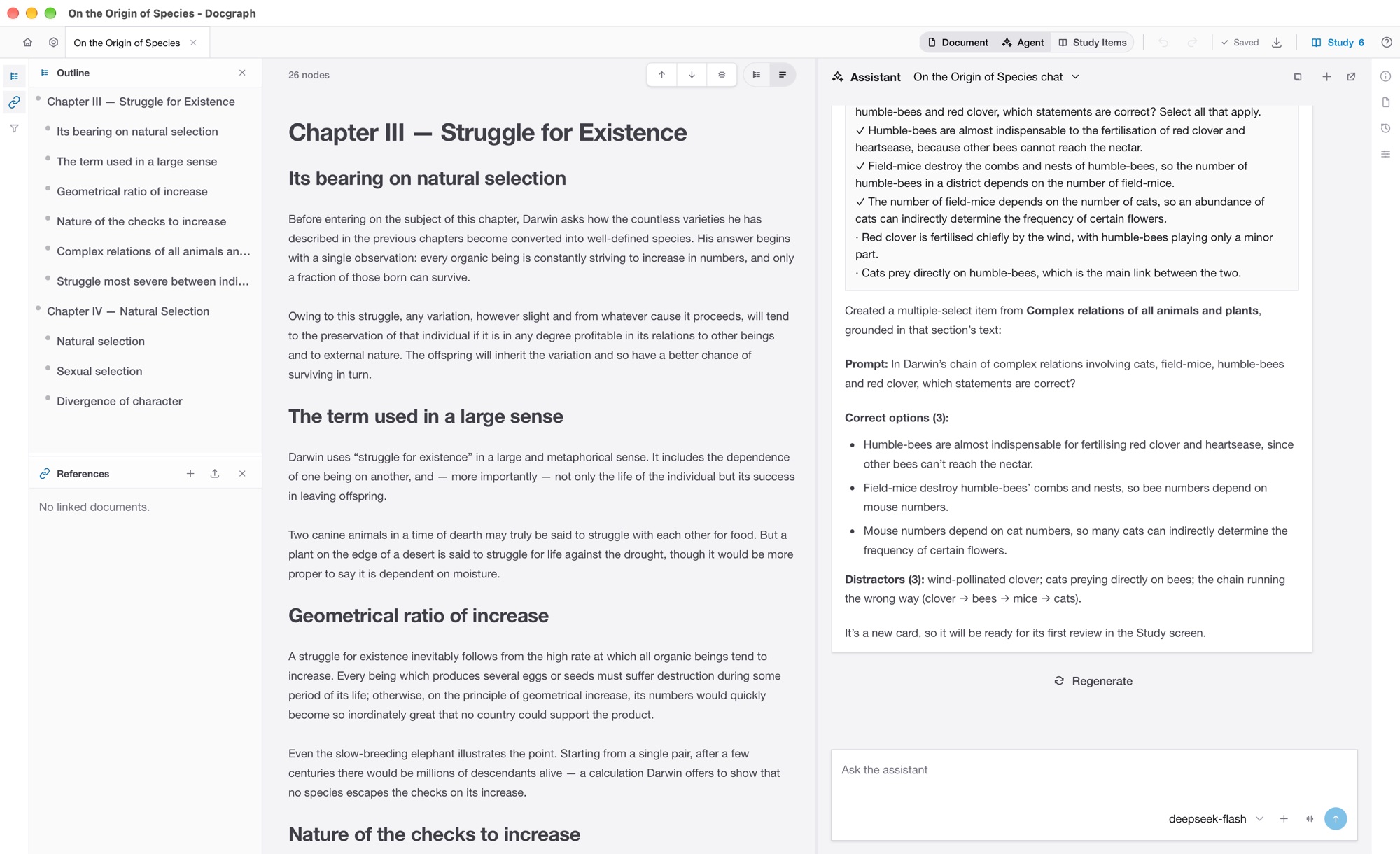
Turn key ideas into flashcards, Q&A and multiple-select items, by hand or with the assistant. Every item keeps a link to its source passage.
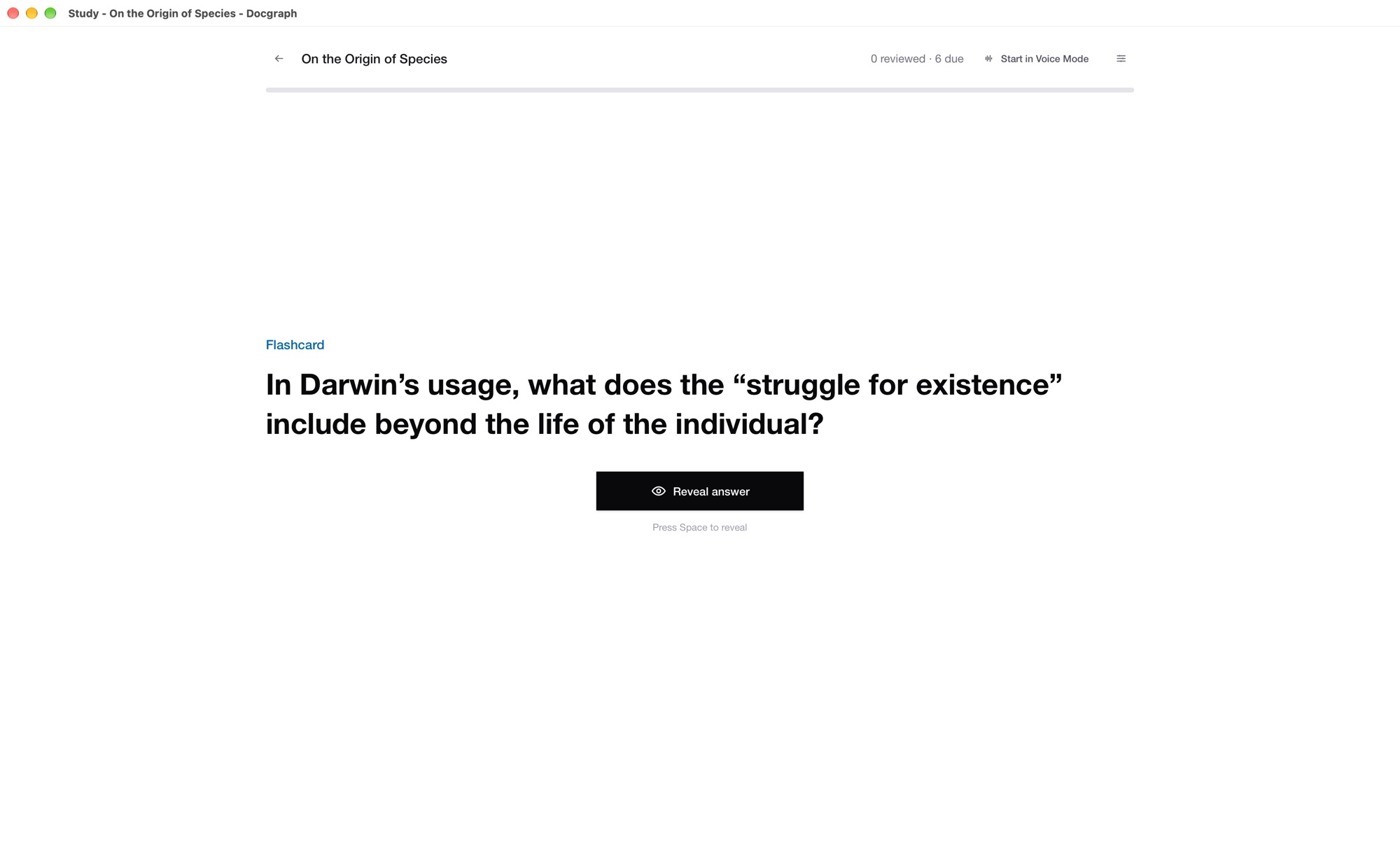
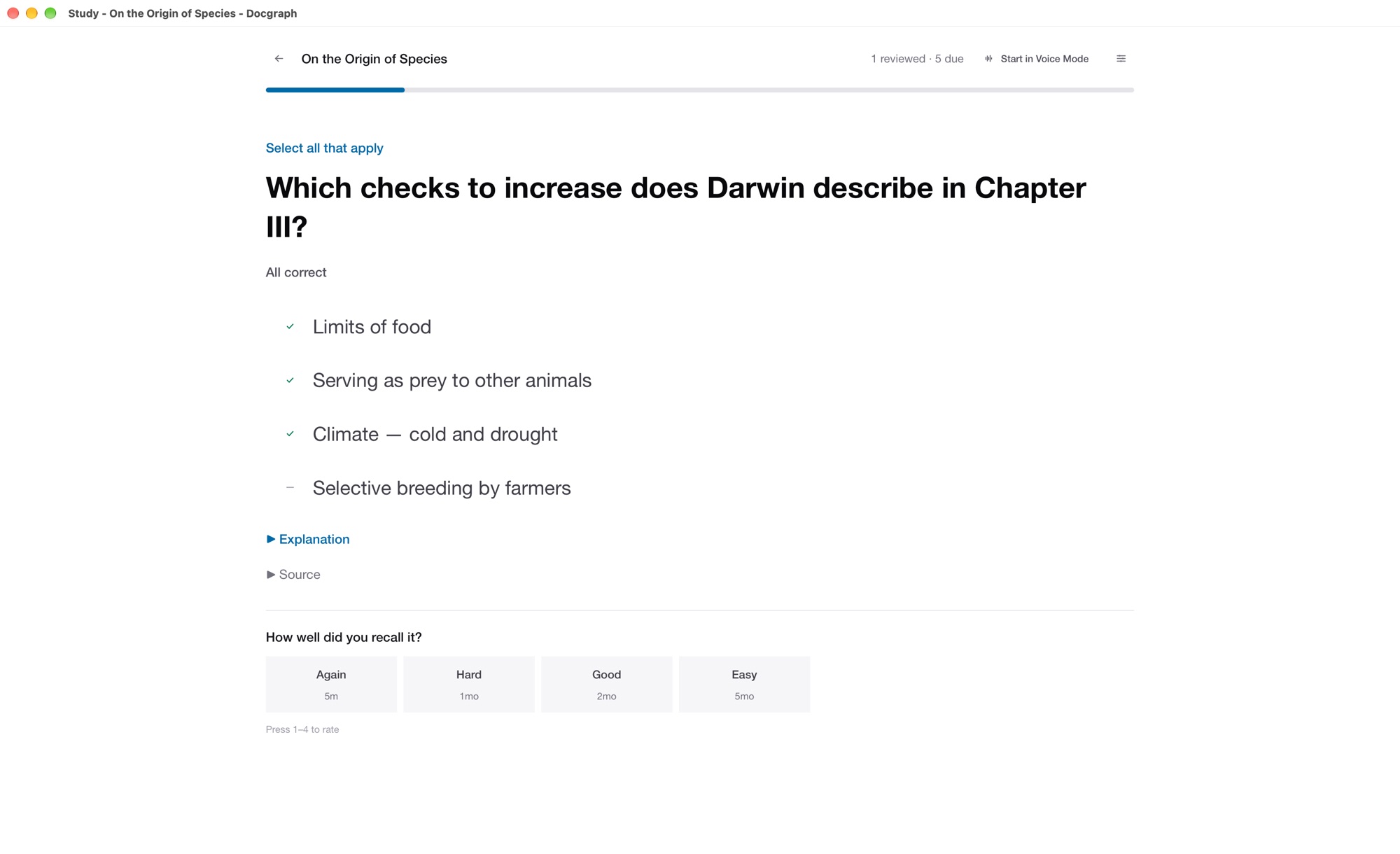
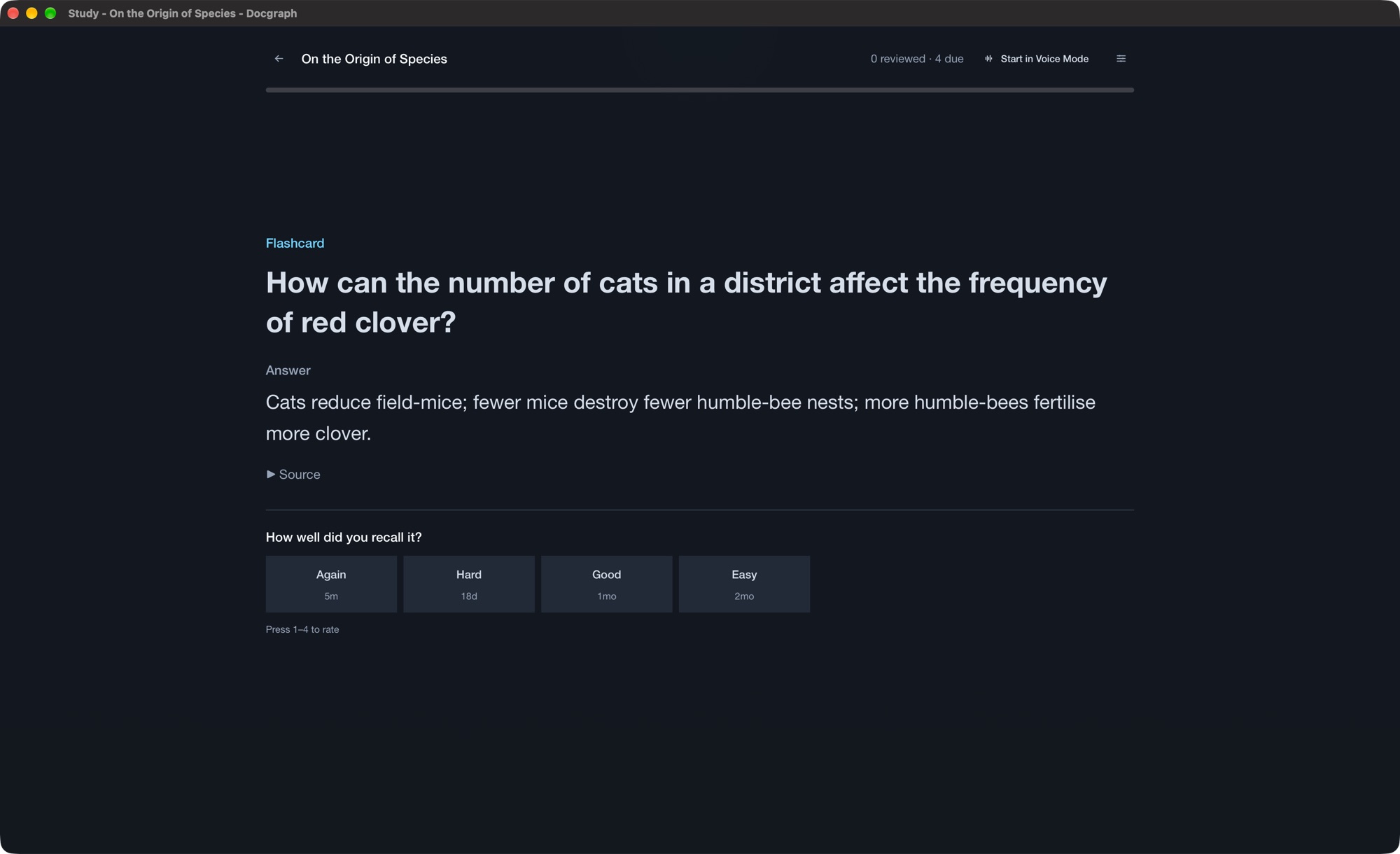
Review what is due each day. FSRS learns how well you know each item and schedules the next review at the right moment.
Spaced repetition with FSRS
Memories fade quickly after you first learn something. Each well-timed review slows that fade, so the gaps between reviews can grow from minutes to days to months.
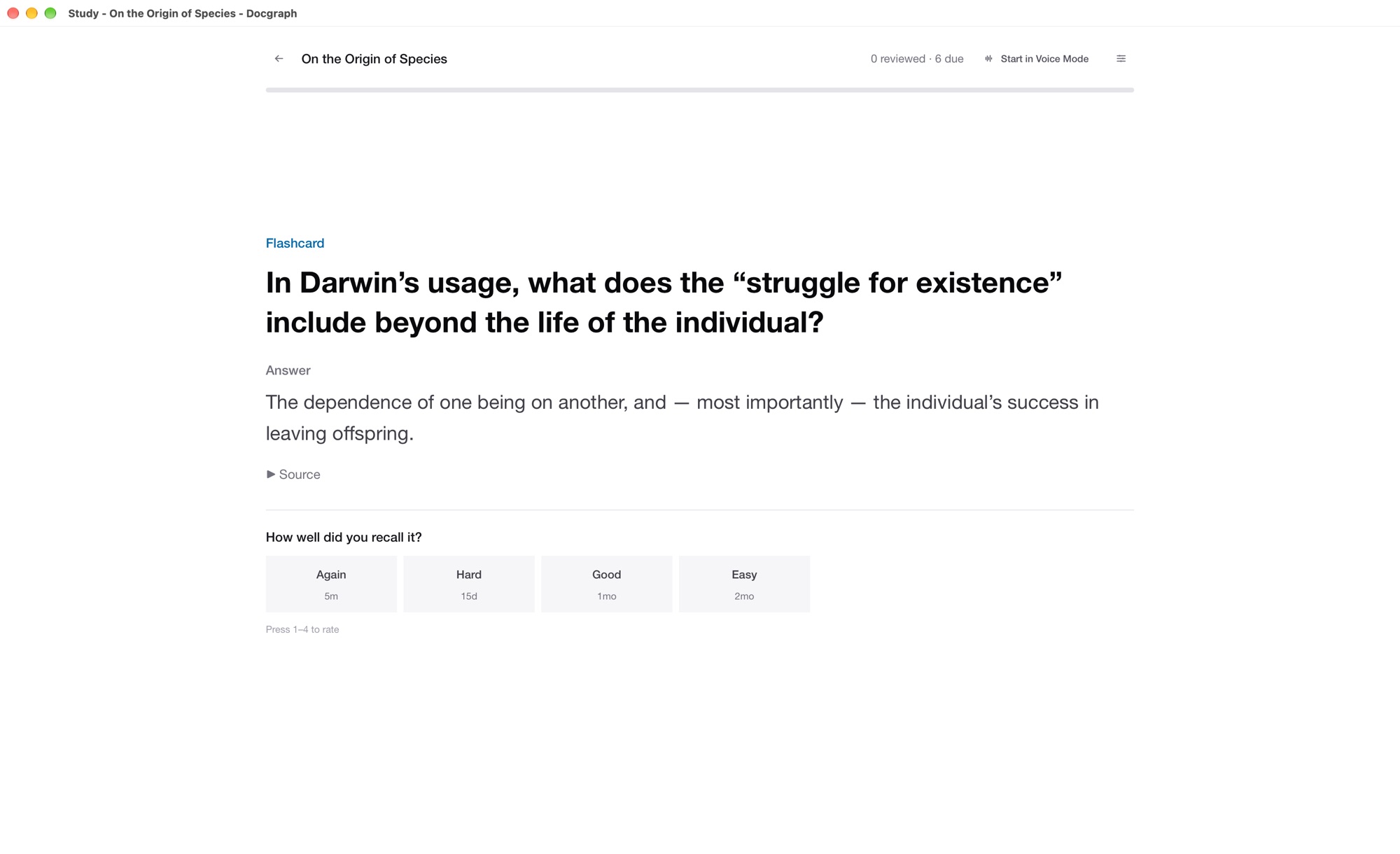
Docgraph uses FSRS, a modern open scheduling algorithm. It models each item's stability and difficulty from your ratings and plans the next review for when recall is about to drop.
Intervals from a real card in the app. They change with your history for each item.
Features
Home shows how many items are due across all your books, and how many in each one.
Flashcards for recall, Q&A for explanations, and multiple select for telling ideas apart.
Ask it to draft study items from a section. It shows every change first, and nothing is saved without your approval.
Space reveals, Enter checks, and 1–4 rate. You can study without touching the mouse.
Answer out loud, ask for a hint, and rate by saying Again, Hard, Good or Easy.
Every item points back to the passage it came from, so you can reread the context in one step.
Open a book you want to keep, make a few study items, and let FSRS handle when you review them.
Download for macOS